Describe the problem
Identify whether the photo has mild softness, motion streaks, missed focus, or unreadable text. A specific description helps frame an edit, but words alone cannot supply the missing pixels.
Image clarity
A chatgpt unblur image request can be a way to explore image-editing options, but it cannot guarantee recovery of detail the camera never captured. Keep your original, inspect any changes closely, and choose a dedicated image workflow when you want to compare a clearer result.
Continue on SupaVisual
Sign in to SupaVisual to upload an image and use prompt-based image editing or 2×/4× upscaling. Generation requires a paid plan. There is no dedicated deblur, sharpen or denoise tool and no guaranteed recovery of missing detail.
Open SupaVisual image editorIllustrative concept: compare a soft photo with a clearer-looking version. This is not a product output; upload and describe your own edit on SupaVisual.
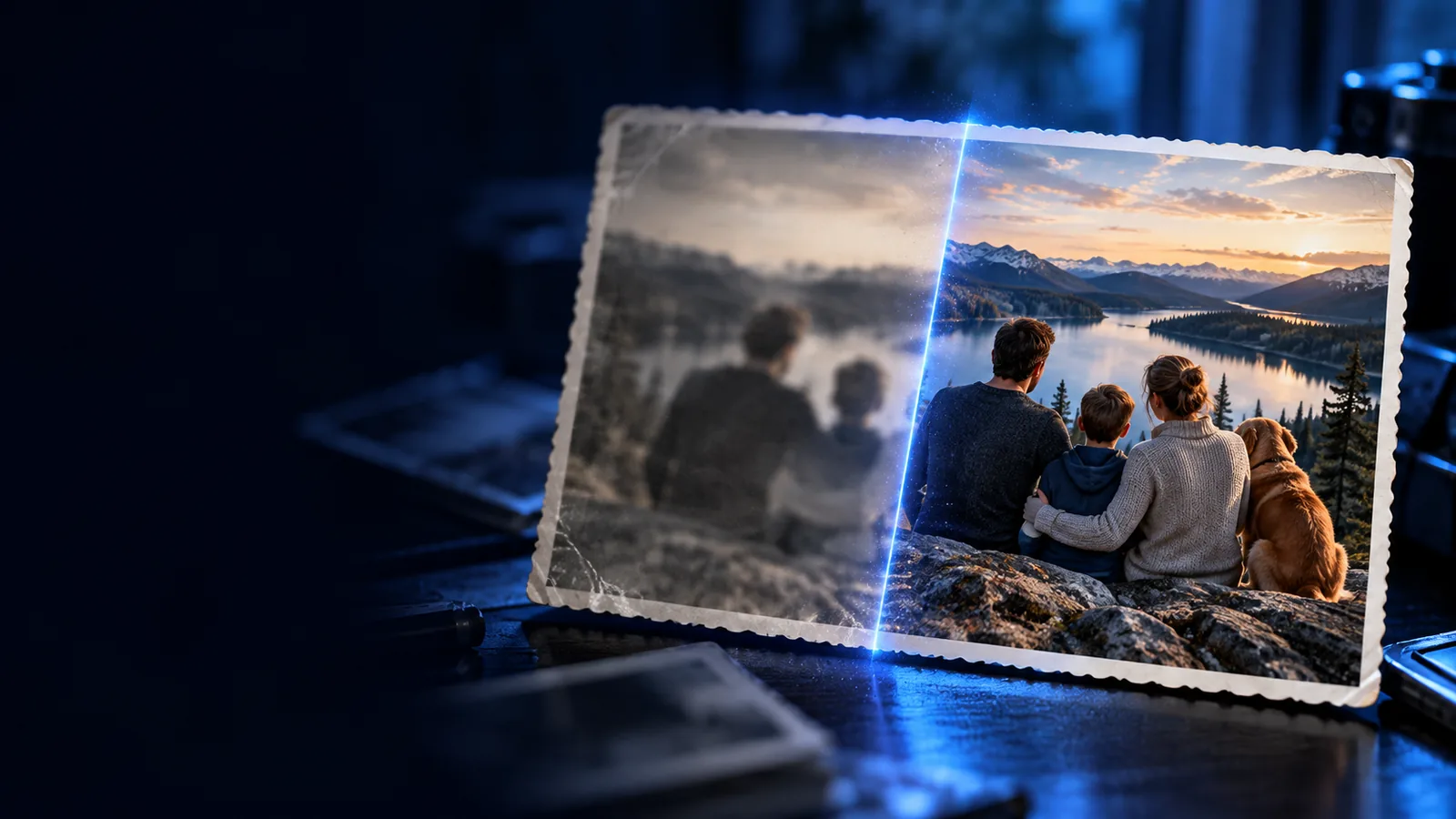
A text request can describe what you want changed; the image itself determines what can be recovered. These guides address the most useful next questions.
See why improving apparent sharpness is different from recovering missing information.
Follow a practical workflow for reviewing a blurry photo and its edited result.
Compare a browser-based approach with hands-on editing in Photoshop.
Whether you use ChatGPT to discuss an edit or open a separate image tool, it helps to distinguish the instruction from the processing.
Identify whether the photo has mild softness, motion streaks, missed focus, or unreadable text. A specific description helps frame an edit, but words alone cannot supply the missing pixels.
Use an available image-editing workflow to improve visible edges and contrast. ChatGPT capabilities depend on the version and tools available to you; Unblurimage does not claim a ChatGPT connection or a shared editing pipeline.
Compare the result with the original at the same zoom. Watch for altered letters, invented facial features, halos along edges, and textures that look convincing but were not present in the source.
Start with the best-quality original you have. After an edit, compare the same area side by side before deciding whether the result is useful.
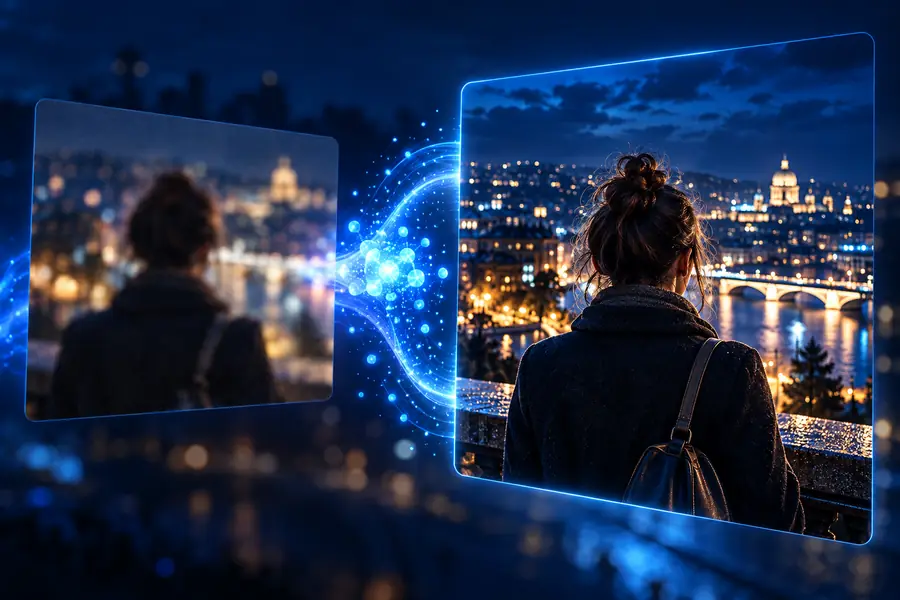
These are illustrative images, not a verified restoration or an output from ChatGPT. For your own photo, compare lettering, outlines, and repeating textures first: a cleaner-looking edge does not prove that fine detail was recovered.
ChatGPT can help you articulate a goal or assess what to check. A dedicated browser image workflow is a separate route for trying an edit, not an integration with ChatGPT.
ChatGPT-assisted approach
Describe the blur and ask for guidance or an image edit if your available tools support one.
Dedicated browser image workflow
Start with the image you want to improve.
ChatGPT-assisted approach
Helps express the desired change and discuss possible problems.
Dedicated browser image workflow
Focuses on producing an image result you can inspect.
ChatGPT-assisted approach
Image-editing options vary by the ChatGPT tools available to you.
Dedicated browser image workflow
Available actions depend on the linked web product.
ChatGPT-assisted approach
A good prompt cannot reveal detail absent from the source.
Dedicated browser image workflow
An enhancement cannot reliably reconstruct detail absent from the source.
ChatGPT-assisted approach
Treat newly legible-looking letters or facial details as unverified.
Dedicated browser image workflow
Check altered letters and features against the original.
ChatGPT-assisted approach
Review the service's terms before submitting a sensitive image.
Dedicated browser image workflow
Review the linked product's terms before submitting a sensitive image.
ChatGPT-assisted approach
Keep the original and check whether the suggested or generated edit changed the facts.
Dedicated browser image workflow
Keep the original and compare the edited image at matching zoom.
Open the linked image tool with your original ready. Judge the result against the source, especially where accuracy matters; a sharper appearance is useful only when it does not misrepresent the scene.
ChatGPT can help describe an editing goal, and image-editing capabilities may be available depending on the tools you use. No prompt can guarantee restoration of detail that was never captured. Inspect any resulting image against the original rather than assuming that sharper-looking details are accurate.
Describe the type of blur, the subject, and which details must remain faithful to the source. For example, ask for less apparent softness without changing text or facial features. A precise request helps define your goal, but it cannot overcome a severely degraded source.
No ChatGPT integration is claimed here. The linked image workflow is a separate option for trying to improve a photo. You can use ChatGPT to think through what to check, then evaluate any image result on its own merits.
Do not rely on it for that. An edit may make letter-like shapes appear more legible without establishing what the original text actually said. If the wording matters, find a sharper original or another independent source.
Decide only after reviewing the relevant service's privacy terms and whether the image contains sensitive information. Avoid submitting material you do not have permission to share. Keep a local copy of the original so you can assess any changes.