Start with the best original
Use the highest-quality copy you have, rather than a screenshot or a repeatedly forwarded image. Inspect it first: faint edges offer more to work with than areas that have become uniform smears.
Results and limits
A blurry photo can sometimes look clearer, but missing detail does not necessarily come back. Unblurimage helps you approach an unblur image result as an improvement to inspect, not proof that the original scene has been recovered.
Continue on SupaVisual
Sign in to SupaVisual to upload an image and use prompt-based image editing or 2×/4× upscaling. Generation requires a paid plan. There is no dedicated deblur, sharpen or denoise tool and no guaranteed recovery of missing detail.
Open SupaVisual image editorIllustrative concept: compare a soft photo with a clearer-looking version. This is not a product output; upload and describe your own edit on SupaVisual.
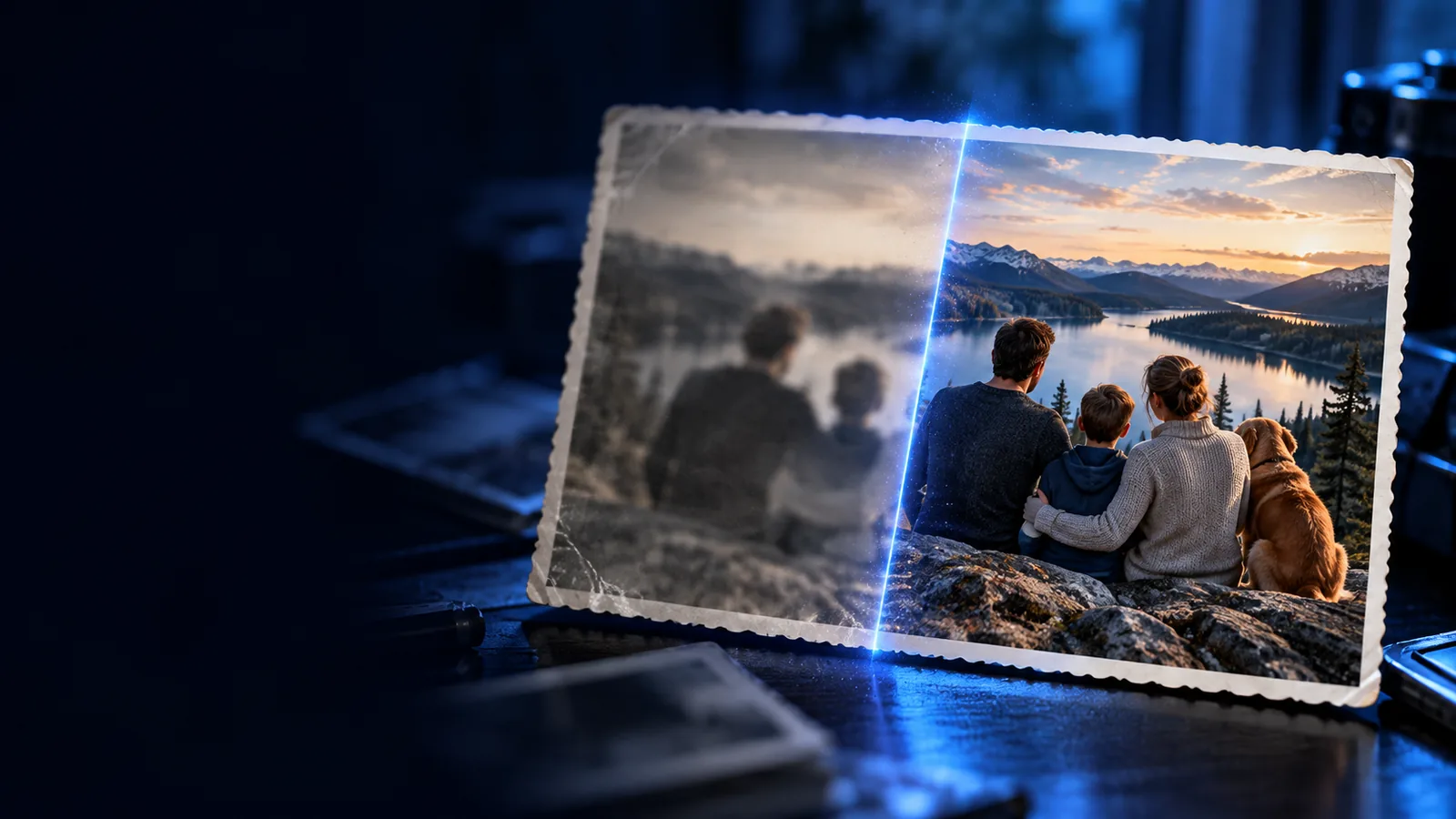
The useful distinction is between making visible edges easier to see and recovering information the photo never recorded.
An unblur image result may emphasize edges or introduce plausible-looking texture. A convincing face, letter, or object is not evidence that those details match the original scene.
WorkaroundCompare the result with the source at the same zoom level, and keep the original available for reference.
Mild softness may respond to sharpening, while strong motion blur, missed focus, and heavy compression can remove or mix detail in different ways. One adjustment cannot reliably reverse all three.
WorkaroundTry a modest change first. If the result develops halos or strange textures, reduce the effect or use another photo.
Sharpening cannot reliably uncover a deliberately hidden face, covered text, or information outside the frame. Apparent detail in those areas may be an interpretation rather than recovered pixels.
WorkaroundFind the unobscured source or request a clearer copy instead of treating an enhanced version as evidence.
A careful workflow tests whether the photo becomes more readable without assuming every new-looking detail is true.
Use the highest-quality copy you have, rather than a screenshot or a repeatedly forwarded image. Inspect it first: faint edges offer more to work with than areas that have become uniform smears.
Open the image workflow and assess any resulting change beside the original. Look for clearer existing boundaries, but also check for bright outlines, invented texture, distorted facial features, or letters that change shape.
A visually cleaner photo may suit a personal collection even if it is not a faithful reconstruction. For identification, documentation, or decisions about people, retain the original and seek independent confirmation.
The right expectation depends on what was blurred, how much detail remains, and why you need the picture.
A portrait is slightly soft, but the faces and clothing are already recognizable.
A restrained unblur image attempt may make the photo more pleasant to view. If you want the basic distinction between improvement and recovery, start with the underlying question.
Can we unblur a picture?A favorite iPhone shot looks soft on a small screen and needs checking at full size.
Inspect the original before changing it; screen scaling can hide both blur and sharpening artifacts. The phone-focused guide covers a browser-based approach rather than a native app.
Is there a way to unblur a photo on iPhone?A photographed note contains letters too smeared to read with confidence.
Do not guess a word from an enhanced edge pattern. Request another capture if accuracy matters; the step-by-step guide explains how to assess a blurred image without mistaking a guess for legibility.
How do I unblur an image that has been blurred?Avoid relying on an unblur image result to identify a person, establish what a sign says, verify a document, or settle a dispute. Also consider privacy before sending a photo containing sensitive information to any web service: check its current handling terms, or use a suitable local method instead. If the source is badly blurred, a new photograph is usually a more trustworthy next step than stronger enhancement.
Sometimes you can make an image look clearer when recognizable detail is still present. You cannot count on recovering information that was never captured, and a convincing result may contain inaccurate detail.
Compare it with the original at the same size and inspect important areas closely. If letters change, facial features shift, or sharp outlines appear around objects, do not treat the result as a reliable record.
It may make faint existing strokes easier to distinguish, but it cannot verify letters that have been smeared beyond recognition. For an accurate transcription, obtain a better capture or another source.
Only after checking the service's current privacy and retention terms and deciding the upload is appropriate for that image. For sensitive personal, medical, or identifying material, consider a suitable local workflow or avoid uploading it.