Choose the original
Use the least-compressed version available. Keep a separate copy so that you can check whether small features in the result match what the source actually shows.
Picture clarity
Can we unblur a picture? Sometimes. Unblurring means making visible edges and textures easier to distinguish; it does not guarantee recovery of information the camera never captured. Unblurimage explains how to assess a result before relying on it.
Continue on SupaVisual
Sign in to SupaVisual to upload an image and use prompt-based image editing or 2×/4× upscaling. Generation requires a paid plan. There is no dedicated deblur, sharpen or denoise tool and no guaranteed recovery of missing detail.
Open SupaVisual image editorIllustrative concept: compare a soft photo with a clearer-looking version. This is not a product output; upload and describe your own edit on SupaVisual.
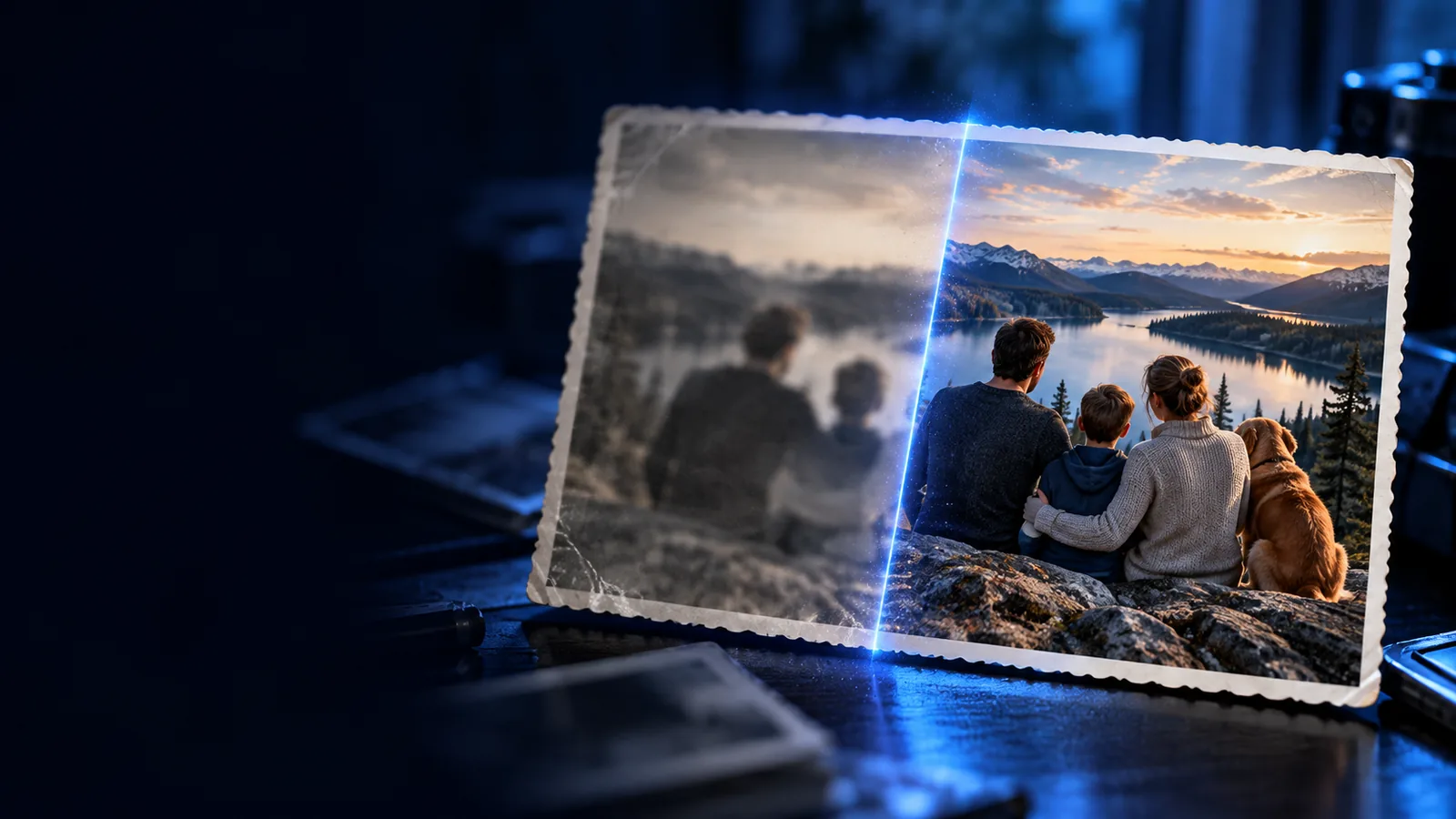
A successful improvement makes existing detail more legible. These limits matter when deciding whether the result is useful.
If a face or letter was never recorded clearly, enhancement cannot verify its true shape. A plausible-looking result may still be inaccurate.
WorkaroundFind an original, a second photograph, or another reliable source before identifying someone or reading critical text.
Long streaks combine information from multiple positions. Sharpening may define some edges but cannot reliably separate everything within a streak.
WorkaroundTry a less-blurred frame from the same burst or video.
A compressed thumbnail may contain blocky artifacts instead of usable texture. Increasing apparent sharpness can emphasize those blocks.
WorkaroundStart with the highest-quality original you can access.
The basic workflow is to start with a good source, assess the blur, and compare the enhanced result against the original.
Use the least-compressed version available. Keep a separate copy so that you can check whether small features in the result match what the source actually shows.
Open a browser-based image workflow and try to improve clarity. Look for better-defined edges rather than assuming every newly visible texture is authentic.
Compare both versions at the size you intend to use. If halos, artificial texture, or altered features become distracting, prefer the original or a gentler result.
The right approach depends on whether you need a practical workflow, a different editing method, or a clearer sense of the limits.
Follow a browser-based process for testing an image and evaluating the result.
Compare conventional sharpening with an AI-assisted approach.
Examine why a convincing enhancement is not proof of recovered detail.
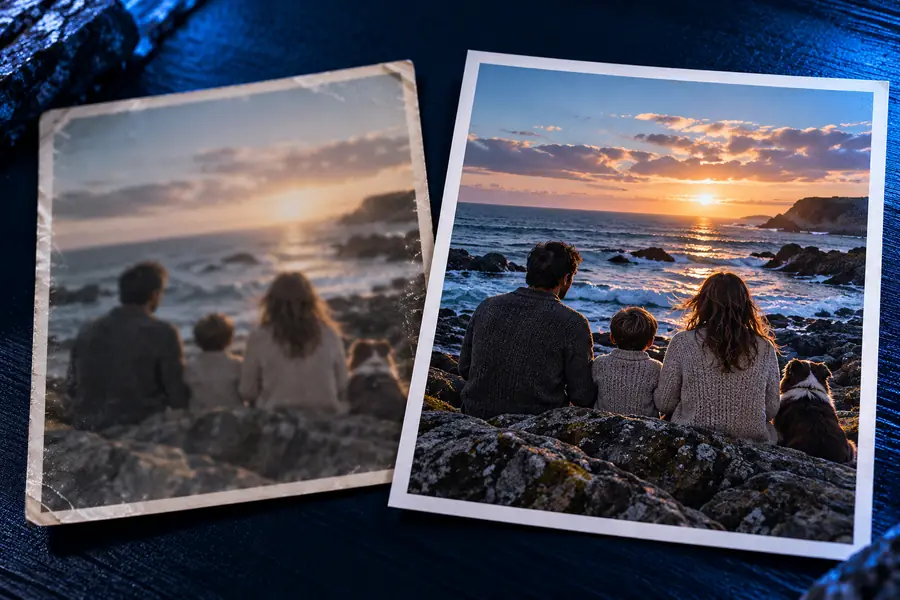
This illustrative pair shows the kind of visible difference to inspect, not a promise that every blurred photograph will produce the same result. Compare edges and textures, and treat newly apparent fine detail with caution.
The amount and cause of blur affect which improvements are reasonable to expect.
Mild blur
Often easier to define
Severe blur
May remain ambiguous
Mild blur
Some existing texture may stand out
Severe blur
Texture may be absent or invented
Mild blur
Existing letter shapes may improve
Severe blur
Missing characters cannot be verified
Mild blur
Broad features may look clearer
Severe blur
Identity should not be inferred
Mild blur
Check for edge halos
Severe blur
Check for false patterns and halos
Mild blur
Compare with the source
Severe blur
Seek another source image
Clarity can help with everyday images, provided the enhanced version is not mistaken for evidence of details that were never visible.
A favorite portrait looks slightly soft.
Check whether the eyes and hair look more distinct while keeping the original for reference.
Can you really unblur an image?An otherwise useful shot has mild camera shake.
Test the image from a browser and inspect it at the size it will be shared.
Is there a way to unblur a photo on iPhone?A product image has soft edges.
Compare editing approaches before choosing a version for a listing or post.
unblur image vs photoshopA scanned photograph has weak contrast and uncertain detail.
Try sharpening while preserving the untouched scan as the authoritative copy.
unblur image without aiStart with your best original and compare any enhanced version against it. Use the result to improve presentation, not to claim certainty about missing details.
We can sometimes make a picture look clearer, especially when some recognizable edges remain. We cannot reliably restore details that were never captured. The useful question is whether the result helps you see the original more clearly without misleading you.
Not necessarily. Enhancement can emphasize recorded information, but it can also introduce plausible-looking patterns. Check consequential details against the original or an independent source.
A mildly soft picture with visible outlines offers more to work with than a tiny, heavily smeared file. Results also depend on compression, motion, focus, and the subject. Test at the size where you plan to view the image.
Keep both. The original preserves what the camera recorded, while the enhanced version may be easier to view. Having both makes it easier to spot artifacts or apparent details that were not present in the source.